Temporary Tattoo Paper for Inkjet & Laser Printers
Temporary Tattoo Paper for Inkjet & Laser Printers


Couldn't load pickup availability
 Orders are typically delivered within 3-5 business days.
 100% money back quality guarantee

DESCRIPTION
DESCRIPTION
Includes 5, 8.5 x 11 sheets & 5 adhesive sheets
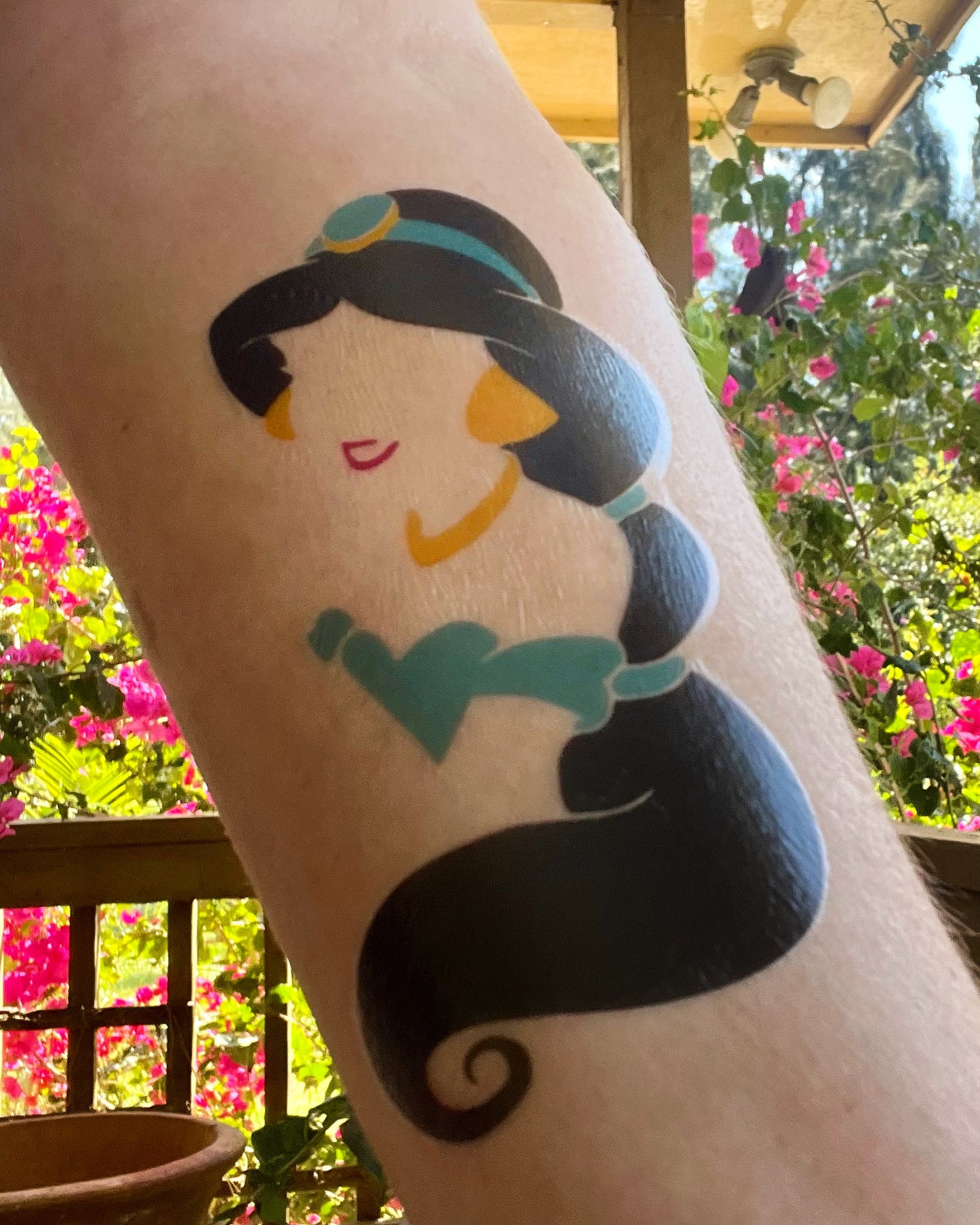
With our temporary tattoo paper, you can use your Inkjet or Laser printer to create super fun and colorful designs you can wear on your skin! These tattoos typically last 1-2 days and can be removed with warm water and a wash cloth.
In each set of temporary tattoo paper, you will receive the paper and a clear adhesive foil.
Inkjet Tattoo Paper Instructions:
Materials You Will Need to Create Temporary Tattoos
- An Inkjet printer
- Scissors - or a cutting machine like a Cricut or Silhouette if you want a more precise cut.
- Water
- Sponge
How to Make & Apply Temporary Tattoos
-
Mirror and print your image(s) on the printable paper. Use the standard printer settings and select "glossy paper"
-
Remove the backing from the adhesive foil and apply it over your printed image(s). Use a scraper to remove bubbles and ensure it is closely adhered.
-
Use scissors or your cutting machine to cut around your design(s).
-
Remove the adhesive foil by gently peeling.
-
Place the tattoo with the image face down on your skin.
-
Like traditional temporary tattoos, use a sponge or wet paper towel to fully moisten the backing.
-
Once it is completely wet, remove the backing from your skin.
-
After the tattoo has been transferred to your skin, pat it with your hand to ensure it is firmly adhered.
Laser Tattoo Paper Instructions:
Materials You Will Need to Create Temporary Tattoos
- A laser printer
- Scissors - or a cutting machine like a Cricut or Silhouette if you want a more precise cut.
- Water
- Sponge
How to Make & Apply Temporary Tattoos
- Mirror and print your image(s) on the printable paper. Select "label" or "thick paper"
- Remove the backing from the adhesive foil and apply it over your printed image(s). Use a scraper to remove bubbles and ensure it is closely adhered.
- Use scissors or your cutting machine to cut around your design(s).
- Remove the adhesive foil by gently peeling.
- Place the tattoo with the image face down on your skin.
- Like traditional temporary tattoos, use a sponge or wet paper towel to fully moisten the backing.
- Once it is completely wet, remove the backing from your skin.
- After the tattoo has been transferred to your skin, pat it with your hand to ensure it is firmly adhered.
A few tips:
- If you notice any irritation or discomfort from the temporary tattoo, please discontinue use.
- After it is applied, the tattoo will be sticky. Try not to touch it or get it wet unless you're ready to wash it off.
- Cut an opening along the edge when you go to remove the adhesive foil If you're having trouble separating it.
SHIPPING AND RETURNS
SHIPPING AND RETURNS
At iCraft, we know how important it is for you to get your order as quickly as possible. Our staff works around the clock to pick, pack and ship your orders, and we take great care to ensure that your order arrives correct and on time. Please review our shipping policies before you place your order.

Over 15,000+ Satisfied Customers
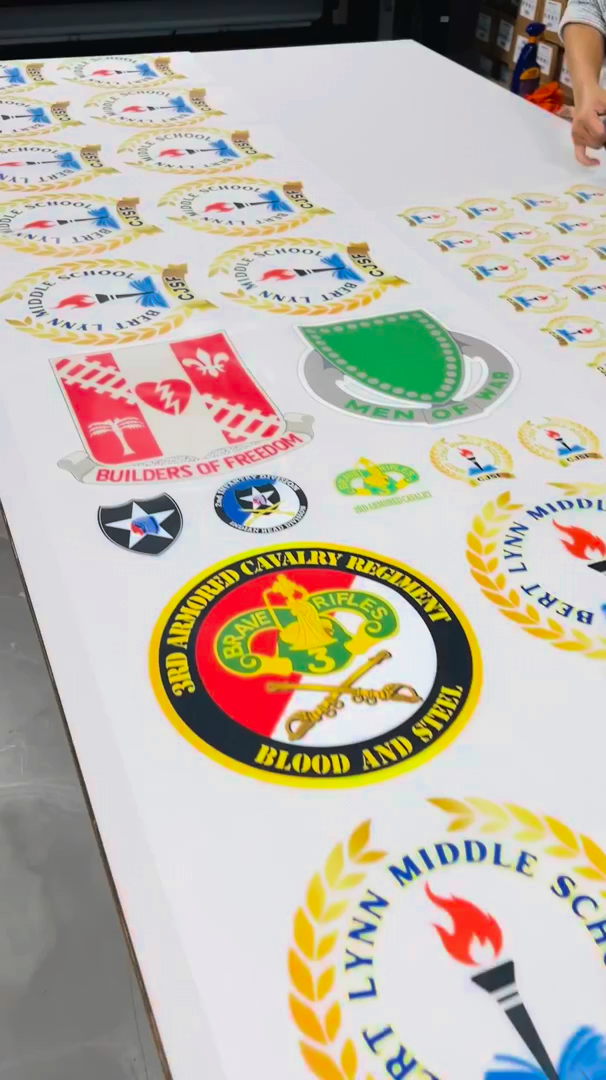
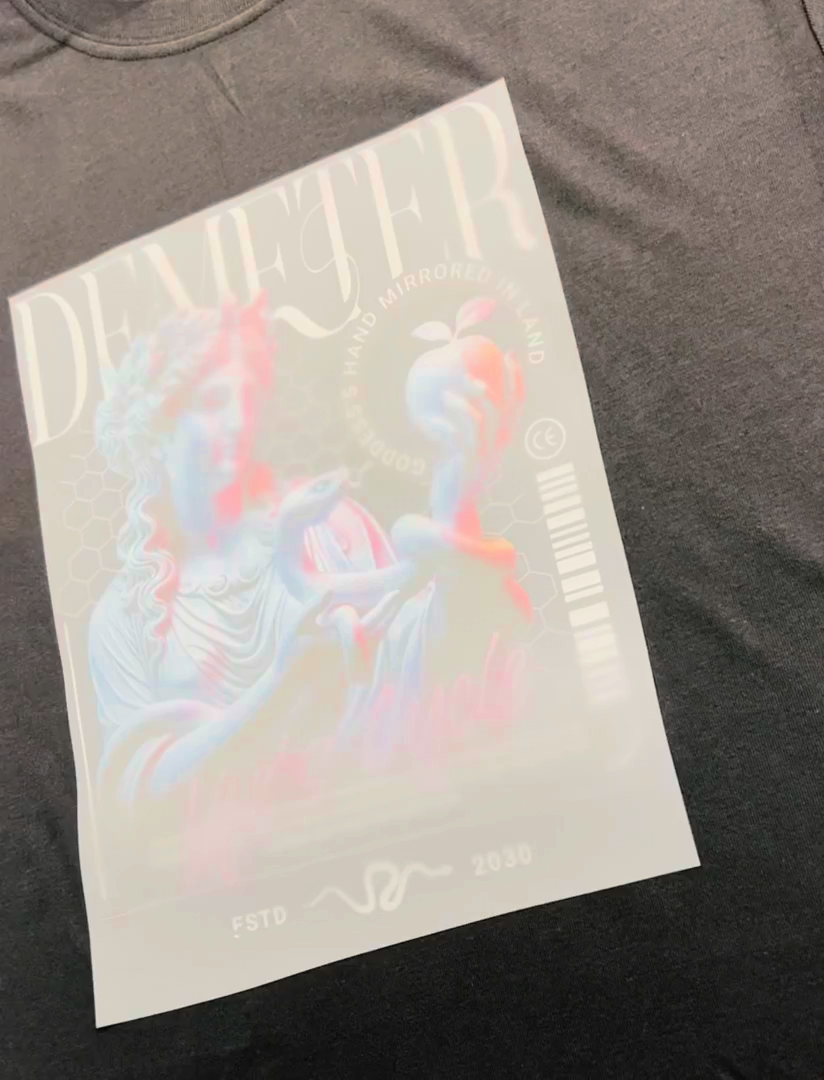
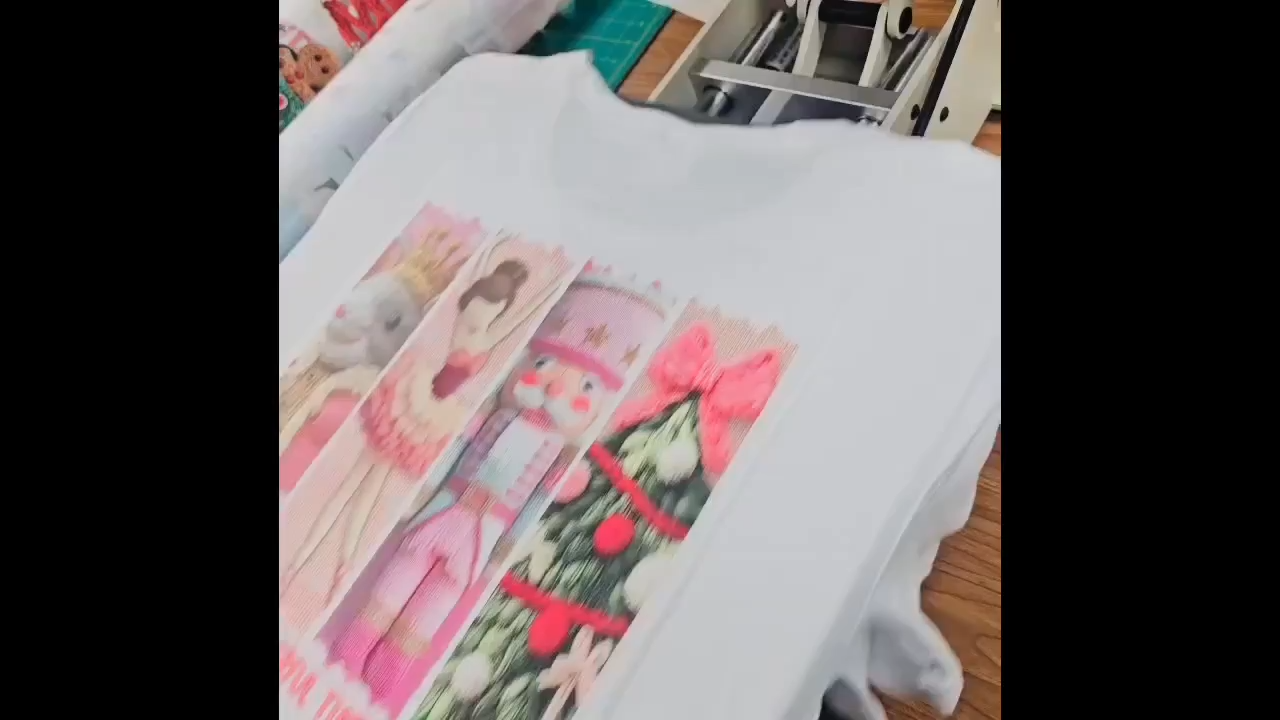
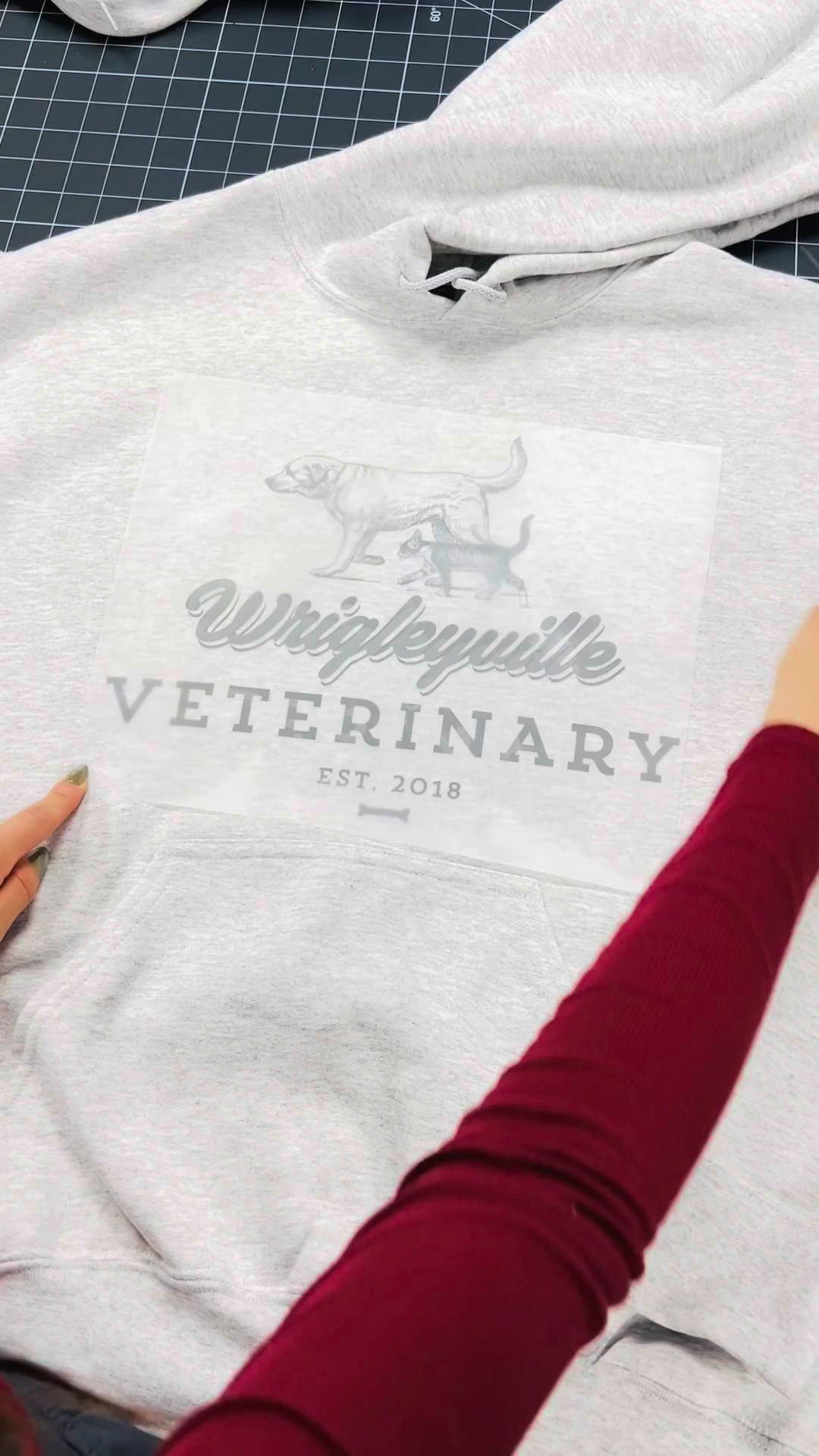


DTF (direct to film) transfers are just what they sound like; full color designs printed on a special film with an adhesive coating which will release the image when proper heat and pressure are applied. Designs can be applied to light or dark garments, making it an easy and affordable way to decorate a range of fabrics.
DTF transfers can be applied to any material that can withstand the heat and pressure need to apply the design. This includes cotton, canvas, polyester, leather, silk, nylon and more.
We have custom printing options in addition to our ready-to-press library with thousands of designs. If you're in need of multiple custom images, we recommend using our DTF or sublimation gang sheet builder for the most cost efficient solution. You can drag and drop your designs onto our platform to create a custom sheet of designs in multiple size options.
We get that our massive library may not have what you need. That is why we not only have a custom transfer option for DTF & sublimation, but we also offer design servicesif you need something edited or made from scratch.
Orders are typically shipped within 24-48 hours, not including holidays. If ordered on a Friday your order will not ship until Monday. If your order contains multiple pattern vinyl sheets or custom designs, we may require up to 5 business days to ship.
After your order leaves our facility, it typically takes 3 to 5 business days to reach our US customers. Please check your email for your tracking information.
expedited shipping options are available but those options do not expedite fulfillment time. If you need an order expeditiously, please reach out to our customer service team.
We have a 100% satisfaction guarantee on all of our products so we are happy to make any issue right. You can return products for a full refund (custom products will include a 50% restocking fee). Please contact our customer service team to facilitate a return.